Enigma2Webif - client Android for OpenWebif
sursa : Enigma2.net
CONTENT
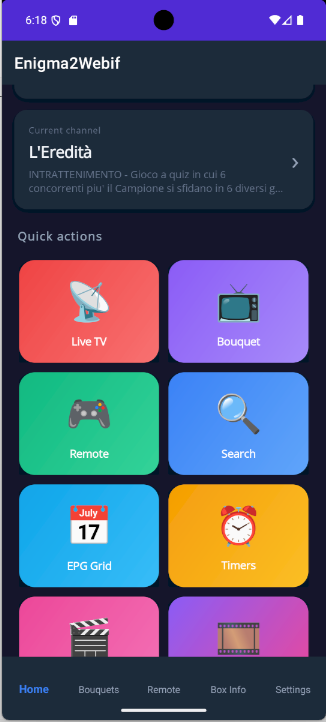
– Multi-box: save multiple receivers and switch between them in one tap
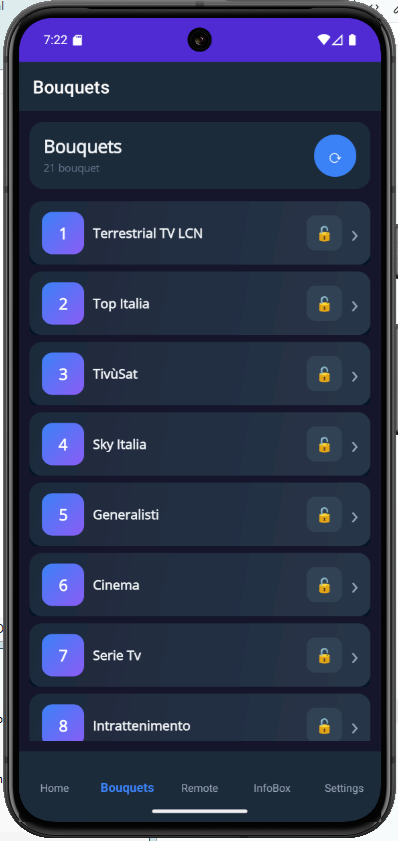
– Bouquets and channels with Picon and EPG Now (current program + progress bar)
– Full EPG guide with times, descriptions and LIVE indicator
– Global search: search a name and get both channels and programs
– Instant zap with a single tap
CONTROLS
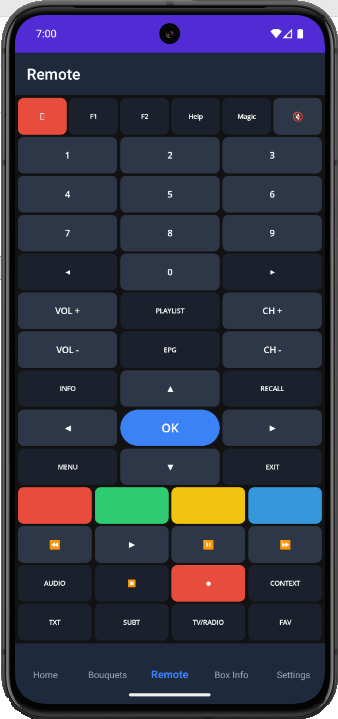
– Full virtual remote: arrows, OK, Menu, Info, EPG, Exit, colored buttons,
numbers, volume, channels, playback, TV/Radio/Audio/Video
– Power Menu: Standby, Deep Standby, Reboot, Restart Enigma2, Wake Up
– Sleep Timer with configurable delay
– OSD Messages: send popup messages to the TV screen
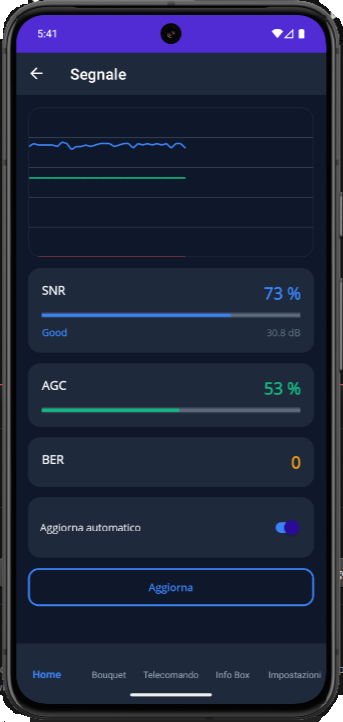
– Signal Meter: live SNR, AGC, BER with auto-refresh
– Parental Control: 4-digit PIN, block channels/bouquets, temporary unlock
with auto re-lock Enigma2firmware downloads
RECORDINGS AND TIMERS
– Timer list from the box, quick creation from EPG, edit, delete
– Browse recordings on the HDD and play with VLC (or external player)
– Live TV: watch the current channel on your phone
TOOLS
– Telnet with green terminal and quick commands (reboot, df, free, uptime, ps)
– FTP with file browsing, download, upload and text viewer
– Screenshot of the box screen
– Full Box Info: firmware, kernel, chipset, tuners, HDD, network, RAM
EXPERIENCE
– 5 languages: Italian, English, German, French, Spanish (live switch)
– Modern dark theme
– Built-in guide with 15 sections
– Passwords stored in Android SecureStorage (encrypted)
COMPATIBILITY
– Android 8.0 (API 26) or higher
– Any Enigma2 receiver with OpenWebif 1.5+
– Tested on: Uclan Ustym 4K PRO with OpenATV 7.6.1
INSTALLATION
1. Download the APK from this thread or from GitHub Releases
2. On your phone enable “Install from unknown sources” for your file manager
3. Open the APK and install
4. On first launch go to Settings, enter the box IP, port (default 80),
username (default root) and password
5. Press “Test Connection” and you’re ready
For Live TV and Recordings streaming you need VLC installed on your phone.
I also recommend enabling transcoding on OpenWebif (port 8001).
Download : https://github.com/belfagor2005/Enigma2Webif/releases